
Search Bridgeport County Court Records Online
The Connecticut Judicial Branch case look-up page is the main starting point for Bridgeport court records. It routes users to Supreme and Appellate Court lookups, Superior Court case tools, civil, family, housing, small claims, criminal, and motor-vehicle searches. This matters in the City of Bridgeport because the record holder changes by case type. Criminal and motor-vehicle matters often route through Geographical Area 2 at Bridgeport, while civil, family, divorce, housing, and serious criminal matters may be tied to the Fairfield Judicial District Superior Court.
Before searching, identify the record type and the likely court location. Bridgeport Geographical Area 2 is a key court location for arraignments, misdemeanor cases, motor-vehicle matters that require court appearance, bail, adult probation, and violation-of-probation events. The Bridgeport Judicial District Superior Court handles broader civil, family, serious criminal, divorce, and related Superior Court files. Probate is separate and uses the Bridgeport Probate Court. Federal cases use federal systems, not the state Judicial Branch portal.
- Choose the case category first: criminal or motor vehicle, civil or family, housing, small claims, probate, or federal.
- Select the Bridgeport court location when the portal offers one, such as Bridgeport Geographical Area 2, Bridgeport Judicial District, or Bridgeport Housing.
- Search by party name, docket number, court location, or hearing date depending on the portal.
- Use the exact docket number when known, because Connecticut criminal and civil docket formats are not interchangeable.
- Contact the correct clerk for certified copies, older files, sealed files, missing documents, or records that do not appear online.
The official Criminal and Motor Vehicle pending case search is one of the main Bridgeport court-record tools for pending criminal and motor-vehicle cases.
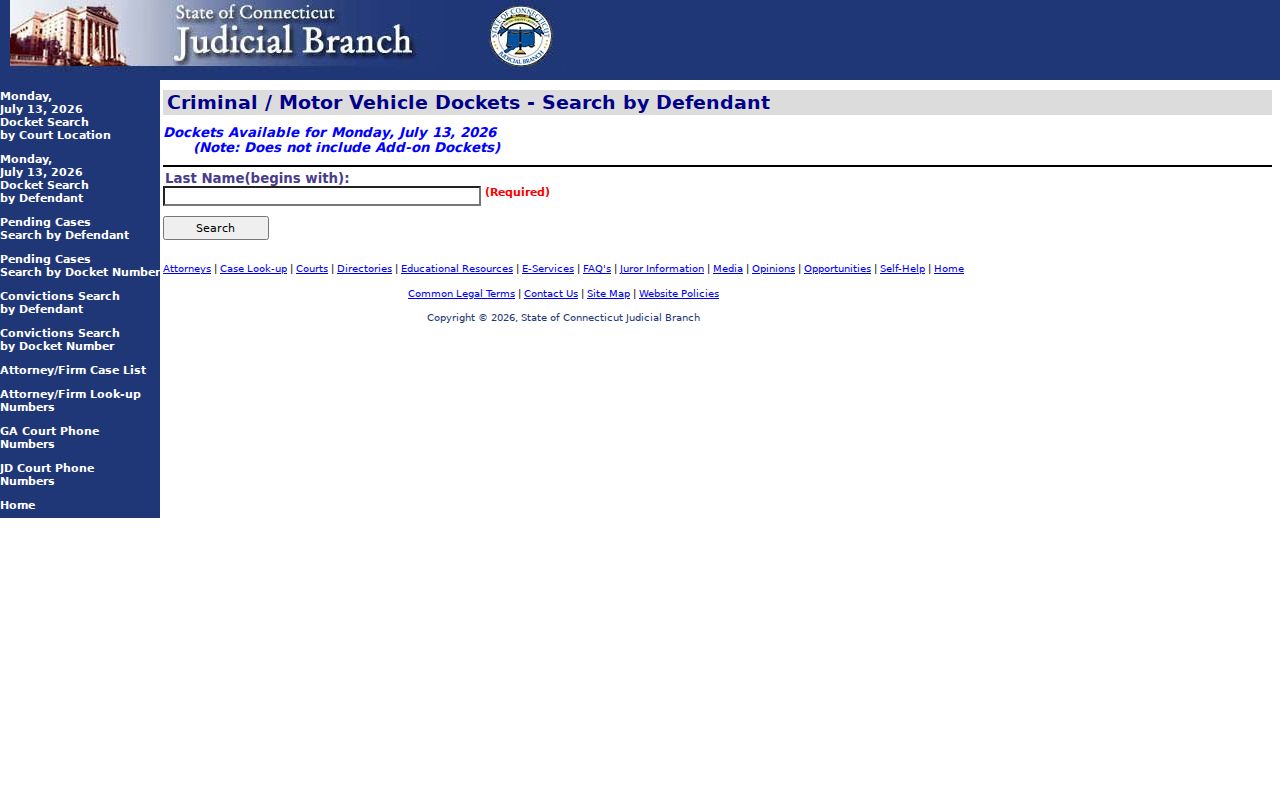
Use the pending-case search for active criminal and motor-vehicle matters, then use the clerk if the public docket is not enough for a copy request.
Bridgeport County Court Records Search Fields
The criminal and motor-vehicle conviction search uses strict fields. Last name is the core required field, while first initial, birth year, year range, court location, and category narrow the result set. For Bridgeport court records, the court-location drop-down is important because it can separate Bridgeport Geographical Area 2, Bridgeport Housing, and Bridgeport Judicial District records from other Connecticut court locations.
| Field Label | Type | Required | Notes / Format |
|---|---|---|---|
| Last Name (begins with) | Text | Yes | Maximum 60 characters; searches names that begin with the entered letters. |
| First Initial | Text | No | Maximum 1 character. |
| Birth Year | Text | No | Use a 4-digit year when known. |
| Year Range + or - | Text | No | Use 1 digit to broaden the birth-year filter. |
| Court Location | Dropdown | No | Bridgeport options include Bridgeport Geographical Area 2, Bridgeport Housing, and Bridgeport Judicial District. |
| CategoryType | Dropdown | No | Choose Criminal or Motor Vehicle, or leave blank when appropriate. |
| Search | Button | N/A | Submits the query to the Judicial Branch database. |
The convictions search warns that criminal history record information may change daily due to erasures, corrections, pardons, and other modifications. It also displays an accuracy timestamp. Treat that timestamp as part of the record context when comparing a public result to later clerk information.
Types of Bridgeport County Court Records
Bridgeport court records span several official systems. Civil, family, housing, and small claims records are Superior Court matters and are searched through the Judicial Branch civil, family, housing, and small claims inquiry. Criminal case records are searched through the criminal and motor-vehicle tools, while traffic matters split between payable infractions, motor-vehicle cases that require court appearance, and city parking-ticket sources. Probate files are handled by Bridgeport Probate Court, not the Superior Court clerk.
Small claims have a special search path through the Centralized Small Claims Case Look-up. The research notes that small claims case information is updated at close of business and includes information entered as of the prior workday. It may remain displayed for one year to a maximum of ten years after disposition, subject to Connecticut Practice Book limits.
- Civil records include complaints, appearances, motions, orders, judgments, satisfactions, and appeal papers.
- Criminal records include charges, pleas, bond, hearings, motions, disposition, sentence, probation terms, and violation-of-probation events.
- Family and divorce records can include complaints, financial affidavits, parenting plans, custody or support orders, and dissolution judgments.
- Housing records include summary process, eviction, motions, judgments, executions, and stipulations.
- Probate records cover estates, trusts, conservatorships, guardianships, fiduciary matters, will filings, and name changes.
What Bridgeport County Court Records Show
A Bridgeport court record usually starts with the docket or case number and court location. Those fields guide the rest of the search. A criminal docket number should not be used in the civil portal, and a probate case number belongs in the Probate Court system. Party names, filing dates, hearing dates, case status, charges, dispositions, financial entries, attorneys, docket entries, and redactions may appear depending on the record type and public access rules.
| Field | What It Shows |
|---|---|
| Case or docket number | The unique court identifier used for lookup, clerk copy requests, and docket tracking. |
| Court location | Bridgeport GA 2, Bridgeport Judicial District, Bridgeport Housing, or Bridgeport Probate Court PD-48 when applicable. |
| Case type | Criminal, motor vehicle, civil, family, housing, small claims, probate estate, or trust category. |
| Party names | Plaintiff and defendant, petitioner and respondent, decedent and fiduciary, or criminal defendant. |
| Filing or arrest date | The date the matter entered the court system, or an arrest date when tied to a police log. |
| Status | Pending, disposed, closed, judgment, transferred, sealed, erased, or restricted. |
| Docket entries | Motions, orders, continuances, notices, hearings, judgments, appeals, and other event history. |
| Disposition | Dismissed, nolled, guilty, not guilty, withdrawn, default, settlement, sentence, or judgment. |
For a broader court-record search, the Bridgeport County court dockets page is useful when the goal is to follow event history rather than obtain a full file copy.
Public Access to Bridgeport County Court Records
Public access depends on the record holder. The Connecticut Freedom of Information Act defines public agencies and public records and gives a general right to inspect or obtain copies unless an exemption applies. Court records also depend on Judicial Branch rules, sealing orders, erasure law, juvenile confidentiality, and case-specific limits. A missing online result does not always mean the record is private. It may be old, not entered yet, held by another office, restricted, erased, or available only by clerk request.
The Connecticut FOI statute is one official source captured for Bridgeport court records access.
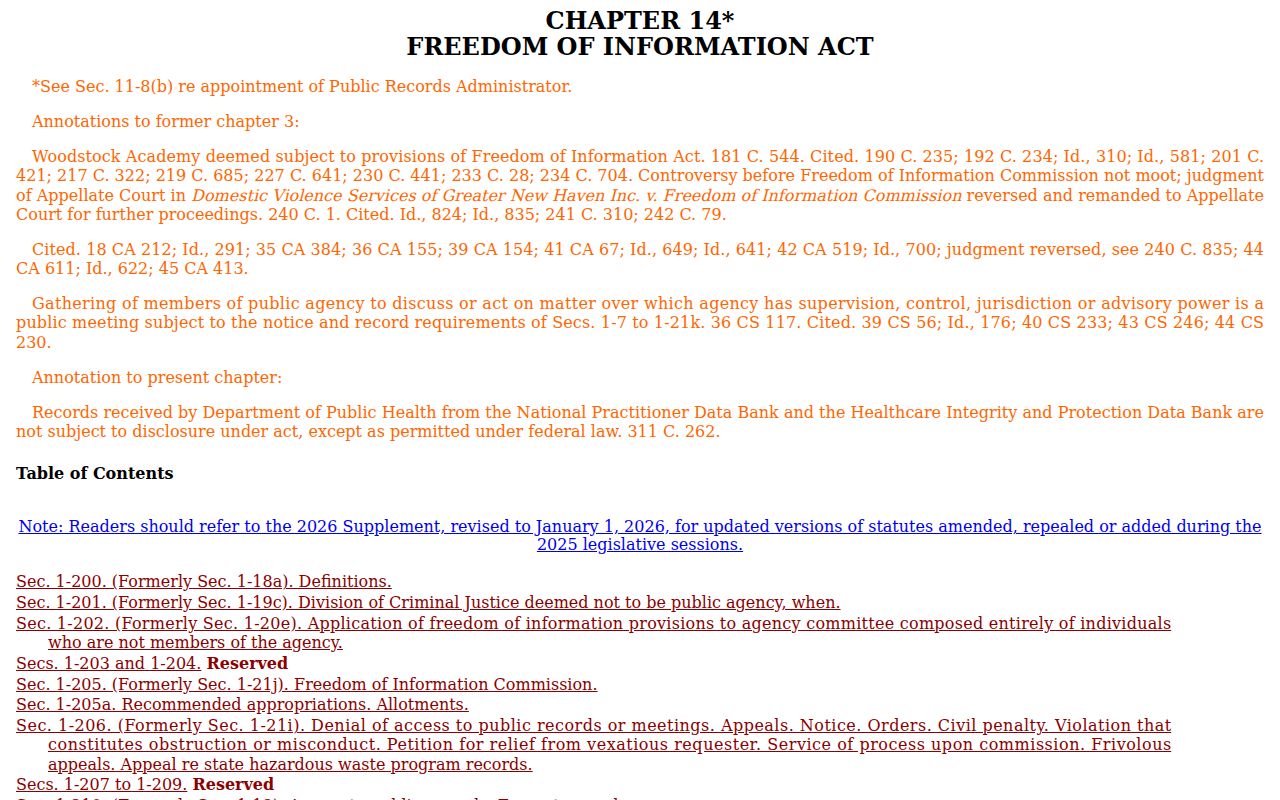
The FOI Act helps with public agency records, but state court case files still need the Judicial Branch portal or courthouse clerk workflow.
For Superior Court records, use the Judicial Branch search first, then contact the clerk tied to the court location. For city police records, use the Bridgeport Police Records Division or the city FOI portal. For probate metadata, use the Probate Case Lookup Tool, but remember that Probate eFiling document viewing is broader for interested parties and attorneys of record than for the general public.
Bridgeport also has practical access limits tied to timing. Small claims entries may lag until close of business, and documents filed with a clerk may not appear online the same day. Police incident reports with arrests are not released by Bridgeport Police until charges are adjudicated in court, so the court docket may be the first public source for case status.
Note: Online court records may be enough for status checks, but certified copies must come from the proper clerk.
Restricted Bridgeport County Court Records
Several Bridgeport court records are confidential, sealed, erased, or access-limited. Juvenile records are generally confidential under Conn. Gen. Stat. § 46b-124. Erased criminal records are governed by Conn. Gen. Stat. § 54-142a, which can apply after qualifying dismissals, acquittals, nolles after statutory periods, pardons, and other outcomes. Sealed records may show limited information or no public result.
The Connecticut erasure statute is a key source for why some Bridgeport court records disappear from ordinary public searches.
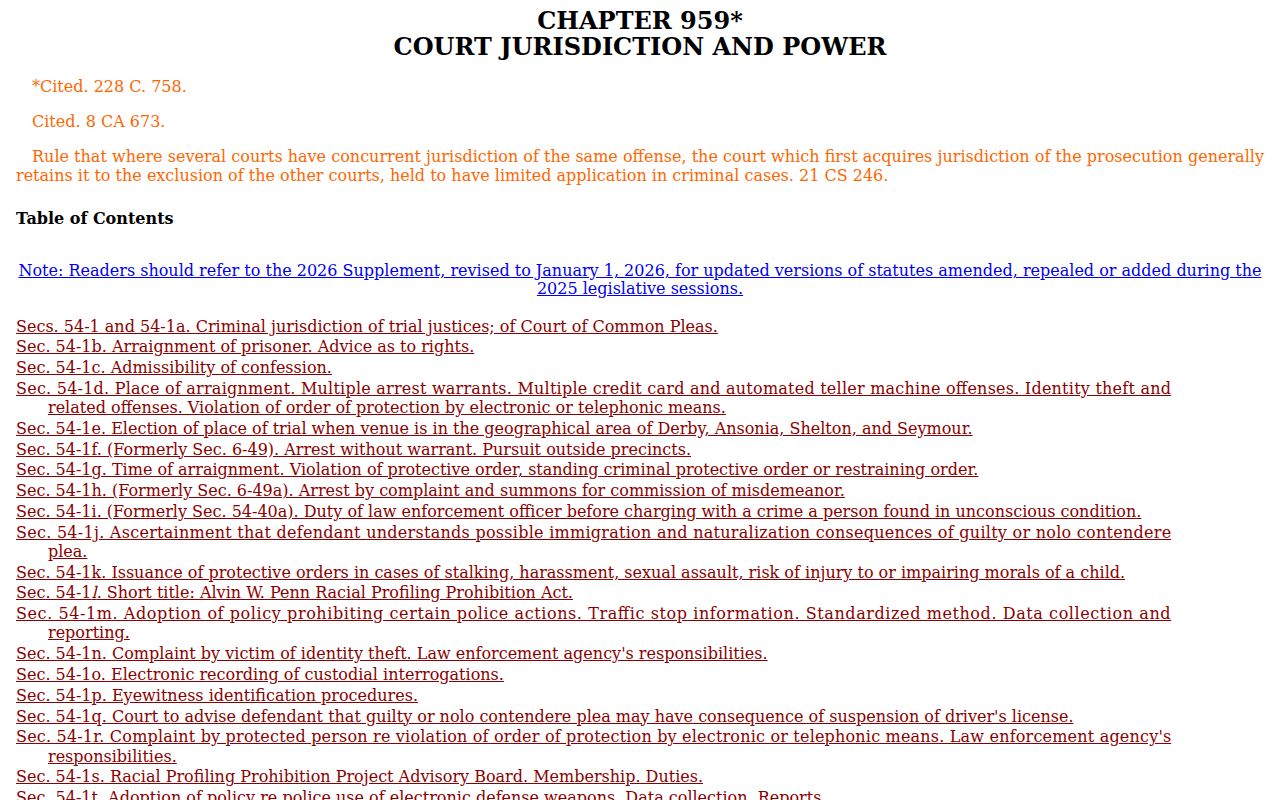
Erasure is not the same as a clerical delay. It is a legal access rule that can change what public agencies disclose.
The juvenile-record confidentiality statute is another official source for Bridgeport court-record access limits.
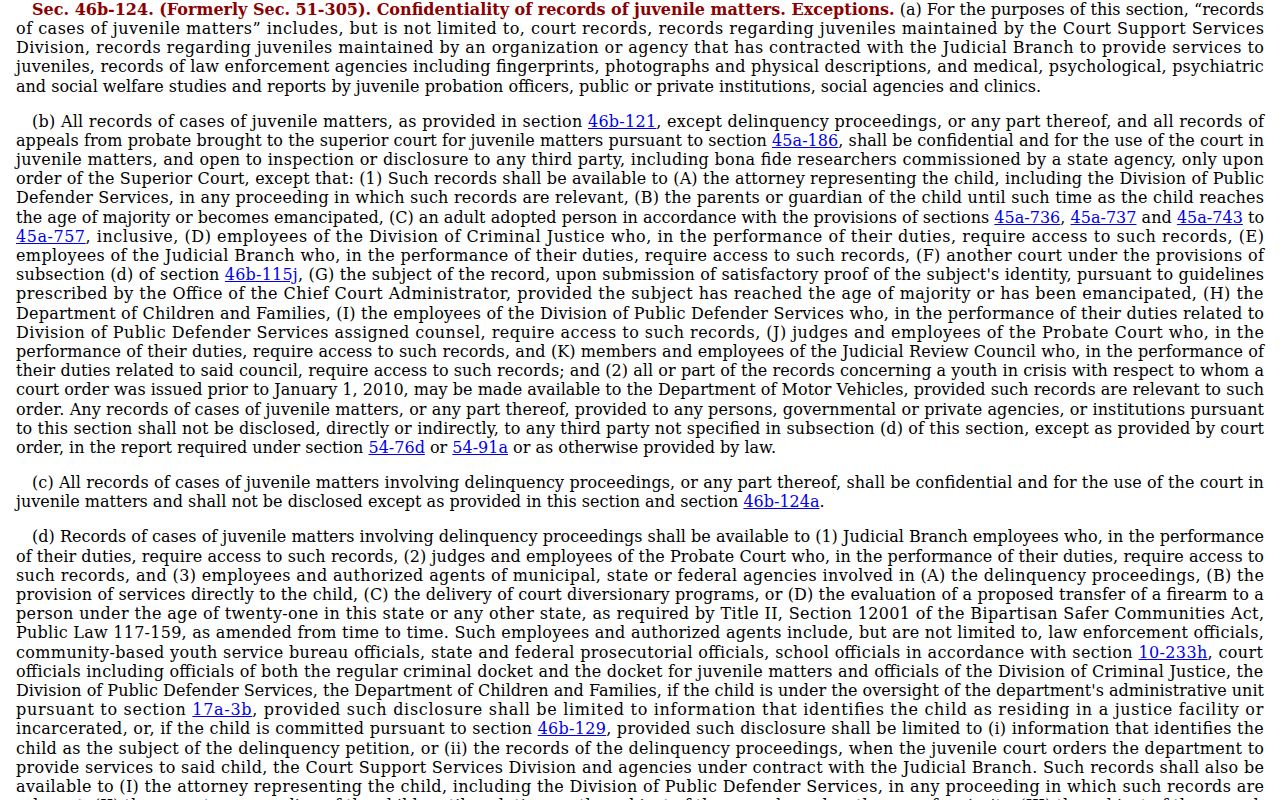
Juvenile files should not be treated like adult Superior Court case records, even when a related event appears in another source.
Bridgeport County Court Record Requests
When online Bridgeport court records are incomplete, the practical next step is the clerk tied to the file. The GA 2 Chief Clerk's Office handles criminal, motor-vehicle, arraignment, bail, probation-related, and daily docket workflows. The Judicial District Chief Clerk's Office handles civil, family, housing, major criminal, divorce, and broader Superior Court records. The Superior Court Clerk / Chief Clerk's Office is not a county-elected clerk, so the correct location matters more than a county office title.
Geographical Area 2 at Bridgeport
172 Golden Hill Street
Bridgeport, CT 06604
203-579-6568
Hours: 9:00 a.m. to 5:00 p.m.; doors open at 8:30 a.m.
Bridgeport Judicial District Superior Court
1061 Main Street
Bridgeport, CT 06604
203-579-6527
Court Service Center: 203-579-7210
Federal opinions and RECAP-uploaded records may also appear on CourtListener, which is supplemental and not an official Bridgeport court-record source.
Use official court systems and clerk offices for authoritative Bridgeport court records, especially when a filing deadline or certified copy is involved.